
HubSpot CRM Online Live Class by Experts
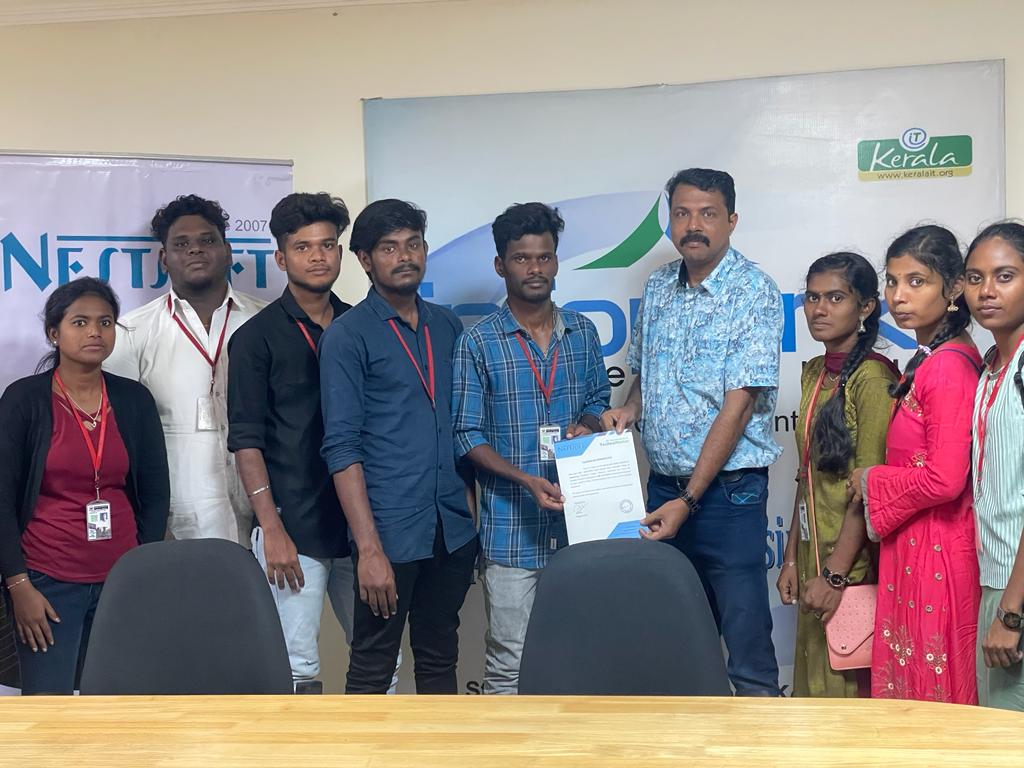
Our Training/Internship Process

HubSpot CRM - Syllabus, Fees & Duration
HubSpot CRM Training Syllabus (20 Hours)
Mode: Live Online / Offline | Level: Beginner to Intermediate | Total Hours: 20 hrs
Module 1: Introduction to CRM & HubSpot (1.5 hours)
-
What is CRM?
-
Benefits of using a CRM system
-
Overview of HubSpot ecosystem
-
HubSpot CRM vs traditional CRMs
-
Types of HubSpot Hubs: Marketing, Sales, Service, CMS, Operations
Module 2: Getting Started with HubSpot CRM (2 hours)
-
Creating a HubSpot account
-
Navigating the HubSpot dashboard
-
Setting up user roles & permissions
-
CRM settings & configurations
-
Connecting your business email with HubSpot
Module 3: Contacts, Companies & Deals Management (3 hours)
-
Creating and importing contacts
-
Organizing data with properties
-
Managing companies and associations
-
Creating and managing deals
-
Using filters and views for segmentation
Module 4: Sales Pipeline & Automation (2 hours)
-
Understanding the sales funnel
-
Setting up custom deal stages
-
Creating multiple pipelines
-
Task management & follow-ups
-
Using workflows for automation (basic level)
Module 5: Email Marketing in HubSpot (2.5 hours)
-
Designing and sending email campaigns
-
Managing email lists
-
Personalization & smart content
-
A/B testing
-
Analyzing open rates and click rates
Module 6: Forms, Lead Capture & Landing Pages (2 hours)
-
Creating embedded forms and pop-up forms
-
Integrating forms with landing pages
-
Lead scoring basics
-
Tracking form submissions and lead sources
-
Introduction to HubSpot CMS (basics)
Module 7: Reporting & Analytics (2 hours)
-
Dashboard overview
-
Customizing reports
-
Tracking sales performance
-
Monitoring contact activity
-
Exporting and sharing reports
Module 8: Integrations & Productivity Tools (1.5 hours)
-
Connecting HubSpot with Gmail/Outlook
-
Calendar and Meeting scheduling
-
HubSpot Chrome Extension
-
Integrating with tools like Zoom, Slack, Google Sheets, etc.
-
Using the HubSpot mobile app
Module 9: Real-Time Project + Internship Orientation (2.5 hours)
-
Design and launch a real campaign using HubSpot
-
Hands-on: Contact management, lead nurturing, basic automation
-
Internship task briefing & weekly tracker
-
Preparing portfolio & showcasing experience
-
Guidance for placement interviews
Outcomes:
-
Confidence using HubSpot CRM tools
-
Hands-on project for resume/portfolio
-
Foundation for digital marketing, sales, or CRM job roles
-
Certificate of Completion + Internship experience
Download Syllabus - HubSpot CRM
This syllabus is not final and can be customized as per needs/updates
- Since 2001, Making IT Experts by Experts
- Duration: 20 Hours (Vary as per your skill)
- Course Fees
- Individual Live Classes (1:1)
- Batch Classes @ Low Fees
- Training on Your Time, Any Where
- Access to Recorded Videos
- Practical Internship on Projects
- 100% Placement Support by our jobsNEAR.in
- Training/Internship Certificate
- Abbotsford
- Alberta
- Barrie
- Brampton
- British Columbia
- Burlington
- Calgary
- Charlottetown
- Delta
- Edmonton
- Gatineau
- Guelph
- Halifax
- Hamilton
- Kamloops
- Kelowna
- Kingston
- Kitchener
- Manitoba
- Mississauga
- Moncton
- Montreal
- Nanaimo
- New Brunswick
- Niagara Falls
- Nova Scotia
- Ontario
- Oshawa
- Ottawa
- Peterborough
- Prince George
- Quebec
- Regina
- Saint John
- Saskatoon
- Sherbrooke
- Surrey
- Thunder Bay
- Toronto
- Vancouver
- Victoria
- Waterloo
- Whitehorse
- Windsor
- Winnipeg
Course Highlights

Our Locations

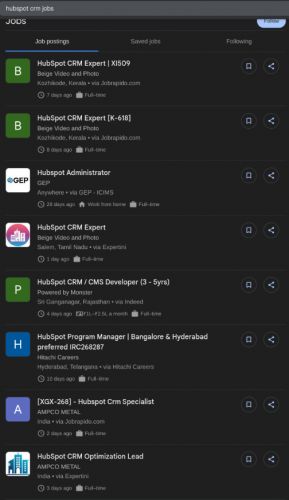
 HubSpot CRM Training by Technomaster offers a practical, job-oriented program designed to equip you with the essential skills to manage customer relationships, automate marketing tasks, and streamline sales workflows using HubSpot’s powerful CRM platform. . Whether you are a student, marketer, sales executive, or entrepreneur, this course is tailored to help you understand HubSpot’s core features—contacts, pipelines, email marketing, lead capture, reporting, and more.
By the end of the course, you’ll be ready to implement CRM strategies, increase customer engagement, and contribute to business growth using one of the most in-demand tools in the industry—HubSpot CRM.
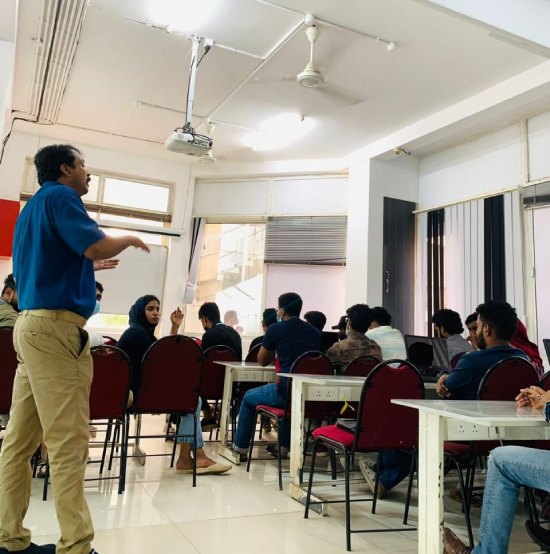
Delivered by industry experts, the training includes live online or offline sessions, hands-on projects, and a real-time internship to ensure you gain real-world experience. You'll also receive placement assistance and career guidance to help you transition into CRM, sales, or digital marketing roles with confidence.
HubSpot CRM Training by Technomaster offers a practical, job-oriented program designed to equip you with the essential skills to manage customer relationships, automate marketing tasks, and streamline sales workflows using HubSpot’s powerful CRM platform. . Whether you are a student, marketer, sales executive, or entrepreneur, this course is tailored to help you understand HubSpot’s core features—contacts, pipelines, email marketing, lead capture, reporting, and more.
By the end of the course, you’ll be ready to implement CRM strategies, increase customer engagement, and contribute to business growth using one of the most in-demand tools in the industry—HubSpot CRM.
Delivered by industry experts, the training includes live online or offline sessions, hands-on projects, and a real-time internship to ensure you gain real-world experience. You'll also receive placement assistance and career guidance to help you transition into CRM, sales, or digital marketing roles with confidence.