
Microsoft Azure Online Live Class by Experts
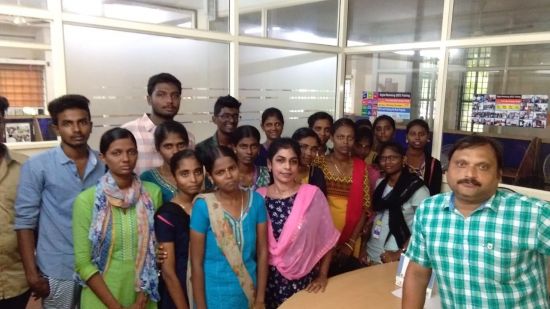
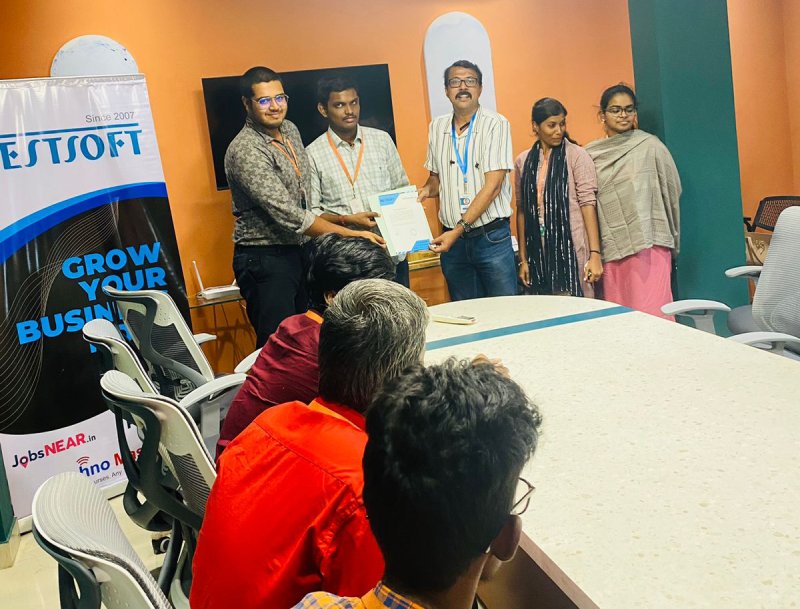
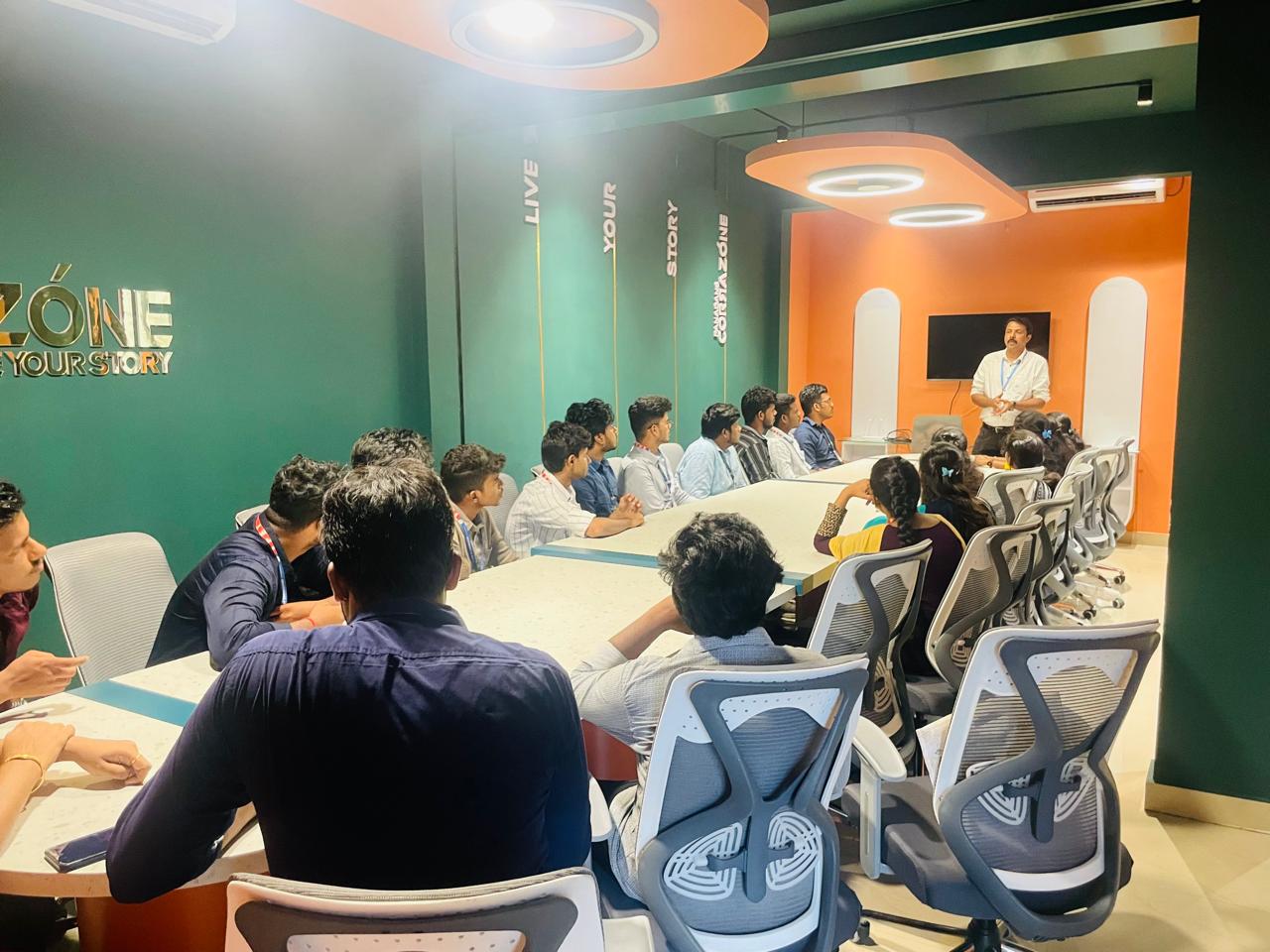
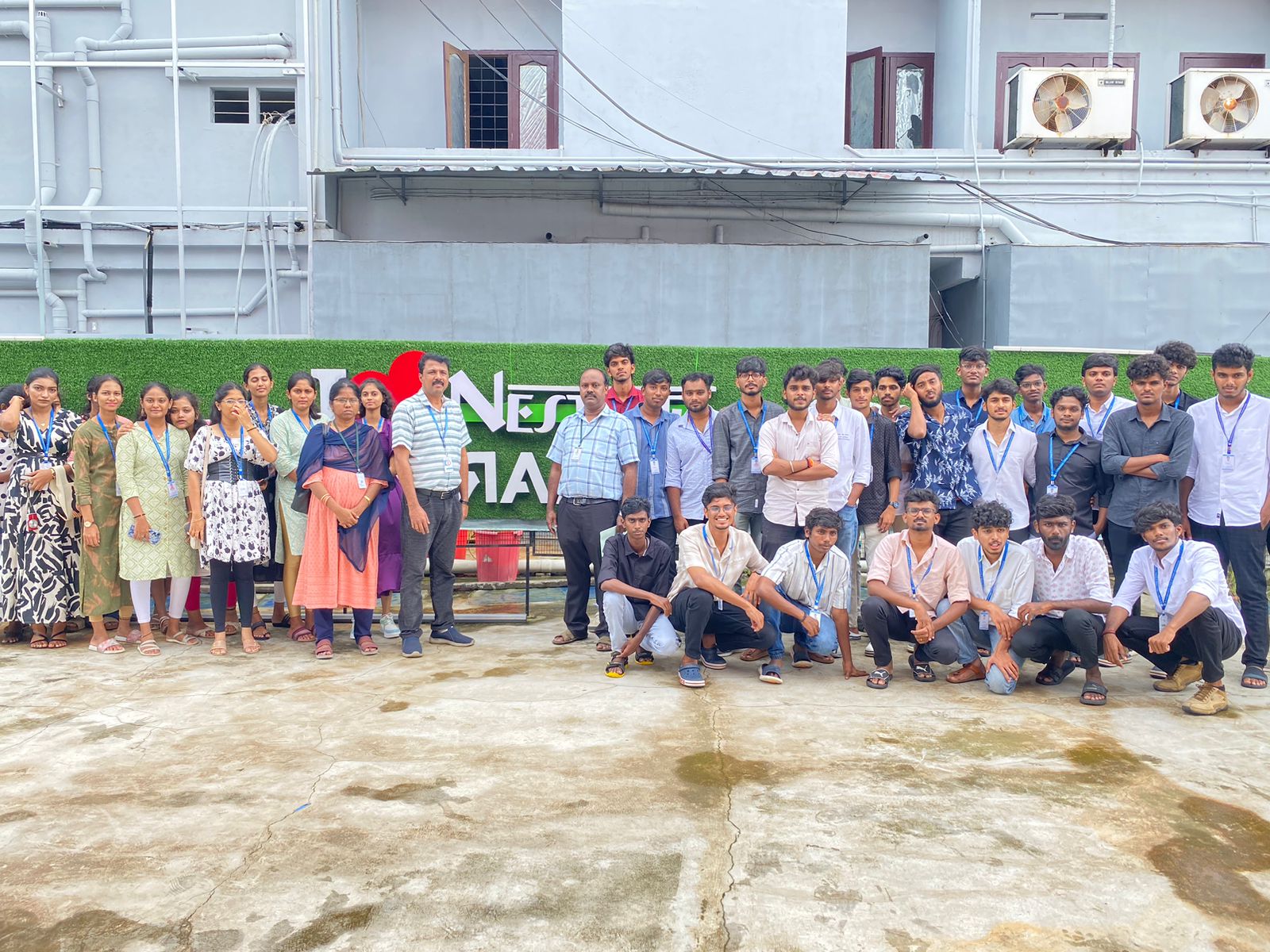
Our Training/Internship Process

Microsoft Azure - Syllabus, Fees & Duration
Module 1. Introduction
Module 2. Manage Azure AD objects
- create users and groups
- manage user and group properties
- manage device settings
- perform bulk user updates
- manage guest accounts
- configure Azure AD Join
- configure self-service password reset
Module 3. Manage role-based access control (RBAC)
- create a custom role
- Provide access to Azure resources by assigning roles
- resource groups
- resources (VM, disk, etc.)
- interpret access assignments
- manage multiple directories
Module 4. Manage subscriptions and governance
- configure Azure policies
- configure resource locks
- apply tags
- manage subscriptions
- configure Cost Management
- configure management groups
Module 5. Manage storage accounts
- configure network access to storage accounts
- create and configure storage accounts
- generate shared access signature
- manage access keys
- implement Azure storage replication
- Configure Azure AD Authentication for a storage Account
Module 6. Manage data in Azure storage
- Export from Azure Job
- import into Azure job
- install and use Azure Storage Explorer
- copy data by using AZCopy
Module 7. Configure Azure files and Azure blob storage
- create an Azure file share
- create and configure Azure File Sync service
- configure Azure blob storage
- configure storage tiers for Azure blobs
Module 8. Configure VMs for high availability and scalability
- configure high availability
- deploy and configure scale sets
- Automate deployment and configuration of VMs
- modify Azure Resource Manager (ARM) template
- configure VHD template
- deploy from template
- save a deployment as an ARM template
- Automate Configuration Management
Module 9. Create and configure VMs
- configure Azure Disk Encryption
- move VMs from one resource group to another
- manage VM sizes
- add data discs
- configure networking
- redeploy VMs
Module 10. Create and configure Containers
- create and configure Azure Kubernetes Service (AKS)
- create and configure Azure Container Instances (ACI)
Module 11. Create and configure Web Apps
- create and configure App Service
- create and configure App Service Plans
Module 12. Implement and manage virtual networking
- create and configure VNET peering
- configure private and public IP addresses, network routes, network interface, subnets, and virtual network
Module 13. Configure name resolution
- configure Azure DNS
- configure custom DNS settings
- Configure a private or public DNS
Module 14. None Secure access to Virtual Network
- create security rules
- associate an NSG to a subnet or network interface
- evaluate effective security rules
- deploy and configure Azure Firewall
- deploy and configure Azure Bastion Service
Module 15. Configure load balancing
- configure Application Gateway
- configure an internal load balancer
- configure load balancing rules
- configure a public load balancer
- troubleshoot load balancing
Module 16. Monitor and troubleshoot virtual networking
- monitor on-premises connectivity
- use Network Performance Monitor
- use Network Watcher
- troubleshoot external networking
- troubleshoot virtual network connectivity
Module 17. Integrate an on-premises network with an Azure virtual network
- create and configure Azure VPN Gateway
- create and configure VPNs
- configure ExpressRoute
- configure Azure Virtual WAN
Module 18. Monitor resources by using Azure Monitor
- configure and interpret metrics
- a analyze metrics across subscriptions
- configure Log Analytics
- query and analyses logs create a query
- set up alerts and actions
- Create and test alerts
- View alerts in Azure
- configure Application Insights
Module 19. Implement backup and recovery
- configure and review backup reports
- perform backup and restore operations by using Azure Backup
- create a Recovery Services Vault
- create and configure backup policy
- perform site-to-site recovery by using Azure Site Recovery
This syllabus is not final and can be customized as per needs/updates
- Since 2001, Making IT Experts by Experts
- Duration: 30 Hours (Vary as per your skill)
- Course Fees
- Individual Live Classes (1:1)
- Batch Classes @ Low Fees
- Training on Your Time, Any Where
- Access to Recorded Videos
- Practical Internship on Projects
- 100% Placement Support by our jobsNEAR.in
- Training/Internship Certificate
- Abbotsford
- Alberta
- Barrie
- Brampton
- British Columbia
- Burlington
- Calgary
- Charlottetown
- Delta
- Edmonton
- Gatineau
- Guelph
- Halifax
- Hamilton
- Kamloops
- Kelowna
- Kingston
- Kitchener
- Manitoba
- Mississauga
- Moncton
- Montreal
- Nanaimo
- New Brunswick
- Niagara Falls
- Nova Scotia
- Ontario
- Oshawa
- Ottawa
- Peterborough
- Prince George
- Quebec
- Regina
- Saint John
- Saskatoon
- Sherbrooke
- Surrey
- Thunder Bay
- Toronto
- Vancouver
- Victoria
- Waterloo
- Whitehorse
- Windsor
- Winnipeg
Course Highlights

Our Locations

 It's also suitable for both large and small enterprises, as it can be tailored to meet specific needs and budget constraints.
. Be knowledgeable about Azure Services, such as computation, networking, storage, and databases. Because of its unrivaled hybrid capabilities, Azure has a chance to break into the cloud provider market. It offers cloud computing, analytics, storage, and networking, among other services. The IT business offers high earnings and a diverse range of career opportunities. It is intended for the creation and management of apps using Microsoft's data centers. Its hybrid services provide a secure and interoperable platform for on-premises and public cloud environments. These platforms allow businesses to share, store, and access data from any Brampton. C#, F#, JavaScript, node.
It's also suitable for both large and small enterprises, as it can be tailored to meet specific needs and budget constraints.
. Be knowledgeable about Azure Services, such as computation, networking, storage, and databases. Because of its unrivaled hybrid capabilities, Azure has a chance to break into the cloud provider market. It offers cloud computing, analytics, storage, and networking, among other services. The IT business offers high earnings and a diverse range of career opportunities. It is intended for the creation and management of apps using Microsoft's data centers. Its hybrid services provide a secure and interoperable platform for on-premises and public cloud environments. These platforms allow businesses to share, store, and access data from any Brampton. C#, F#, JavaScript, node.